
TL;DR: A home studio is a space in a home set up for making music or audio, whether that means recording, producing, mixing, mastering, podcasting, or some mix of all of them. Nearly every one is built on the same core: a computer, recording software, an audio interface, and a pair of studio monitors. From there they diverge, with some adding microphones for recording and many staying entirely in software for production and mixing. What they share is a private, personal space where you work with sound on your own schedule. A home studio suits writing, production, editing, and mixing, and a well-built one can carry work all the way to release. Its limits show with loud, live recording, full bands, and drums, where a professional recording studio still has the edge. For many people the practical answer is both: everyday work at home, and a professional room for the parts that need one.
This guide is a practical starting point. It explains what a home studio is, how the equipment varies with the work, how to choose and prepare a room, what acoustic treatment does (and does not) do, roughly what it costs, and how to tell when a project has outgrown a home setup.
What Is a Home Studio?
A home studio is a space in a private home set up to create, record, produce, mix, or master audio. What it contains depends entirely on the work it is for.
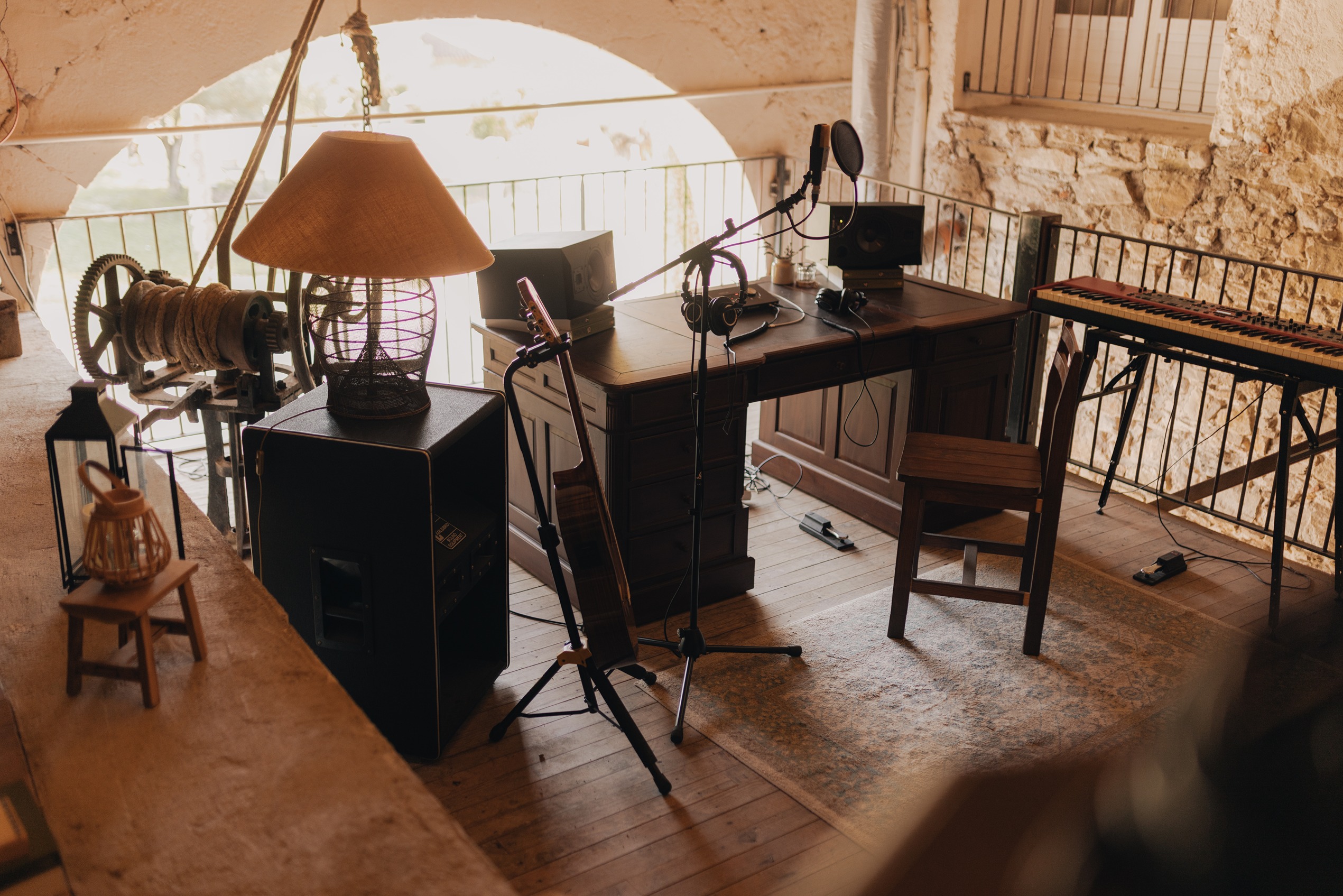
It lives wherever there is room: a bedroom, a spare room, a garage, a basement, or a home office. Beyond that, home studios vary as much as the people who build them. One might be a laptop, an interface, and a pair of monitors used to produce and mix electronic music. Another might add a microphone or two for recording vocals and guitar. A third might be a treated room a producer has developed over years. All of them are home studios.
The common thread is the setting rather than any particular piece of equipment: a personal space where you work with sound on your own terms, with control over your schedule, privacy, and workflow. Much as there is no fixed definition of a professional studio, there is no single checklist that turns a room into a home studio. What matters is what you need it to do, whether that is capturing a live performance through a microphone or building a track, mixing, and mastering entirely inside software. For the wider picture of what a purpose-built recording studio offers, it helps to see where a home setup overlaps and where it does not.
Essential Home Studio Equipment
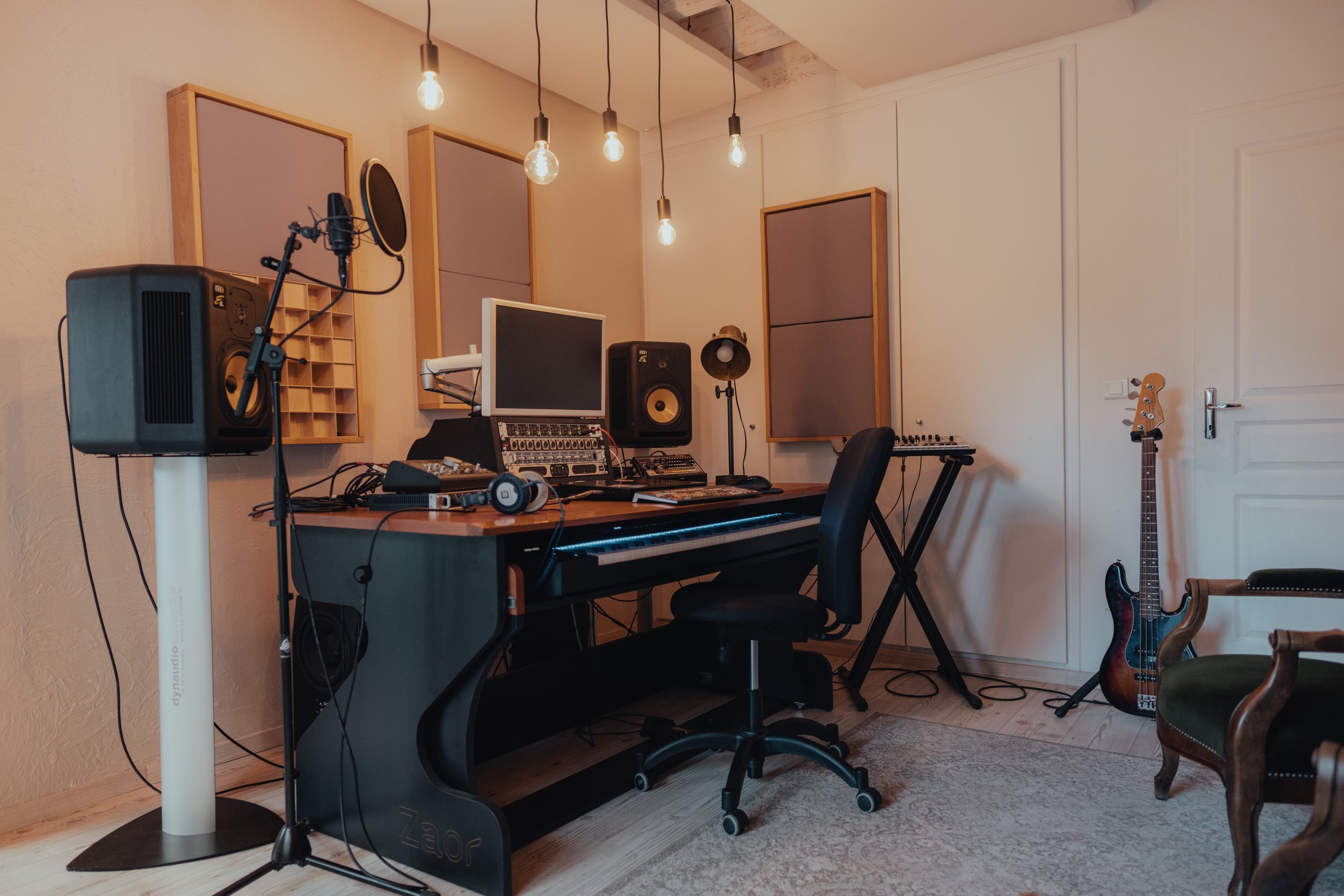
Nearly every home studio is built on the same core: a computer and a DAW, an audio interface, and a pair of studio monitors. Beyond that, a handful of pieces show up more often than not, chosen to suit the work.
Here is that core, and then the pieces you tend to find around it:
- Computer and a DAW (digital audio workstation). The DAW is the software you record, arrange, edit, mix, and master in. You do not have to spend to start: Audacity is free and open source across Windows, macOS, and Linux, GarageBand is free on Apple devices, and REAPER offers a 60-day free evaluation and a $60 personal license after that. Paid options such as Logic Pro, Ableton Live, and Pro Tools add depth as you grow.
- Audio interface. The hardware that gets sound in and out of the computer. It connects microphones and instruments for recording, and feeds your monitors and headphones with a clean, reliable signal, which is why almost every home studio has one, even a setup used only to produce and mix. It also supplies phantom power (labeled +48V), the voltage that condenser microphones need when you record (Shure, 2014).
- Studio monitors. The speakers you judge your work on, and usually counted as part of even a basic setup, because they give an open, honest picture of a mix that headphones do not. In principle you can monitor on headphones alone, and you could argue monitors are not strictly essential, but the large majority of home studios include a pair. Many people use both: monitors for the overall picture, headphones for detail and quiet work.
Beyond that core, a few things turn up in most setups, added to suit the work:
- MIDI keyboard or controller. Common wherever there is any programming or playing in of parts, since it lets you record software instruments, drums, and melodies by hand rather than drawing them in.
- Microphone. Comes in when you record acoustic sound, such as vocals, guitar, or a live instrument, along with a stand, a pop filter, and a cable. Producers who build tracks from software instruments and samples often work happily without one.
- Acoustic treatment. Absorption panels and bass traps that improve how the room sounds, covered in its own section below.
On microphones, when you do need one, the useful split is condenser versus dynamic. Condensers are sensitive and detailed, which suits controlled rooms and quiet sources, and they require phantom power. Dynamic microphones are more rugged and less sensitive to room noise, and do not need phantom power, which can make them the more forgiving choice in an untreated space (Shure, 2014).
How the setup comes together depends on the work. A producer leans on monitors and a MIDI controller and may never plug in a microphone; a podcaster needs little more than one good microphone into an interface, or a USB mic, and a pair of headphones; a songwriter recording vocals and guitar adds a mic or two. Tracking a full band live is the point where a home setup starts to strain, which is why that work often moves to a professional room.
How to Choose and Prepare the Right Space
The room matters before the gear does, because it shapes the sound of anything you record and anything you hear back on speakers. Choosing well starts with the quietest, most controllable space you have.
Look first for quiet. A room away from street noise, shared walls, and household traffic gives you a better starting point than any equipment upgrade. Spare bedrooms, home offices, and basements often work well; basements tend to be naturally quieter and less prone to outside noise, while garages are quiet but can be large and reflective.
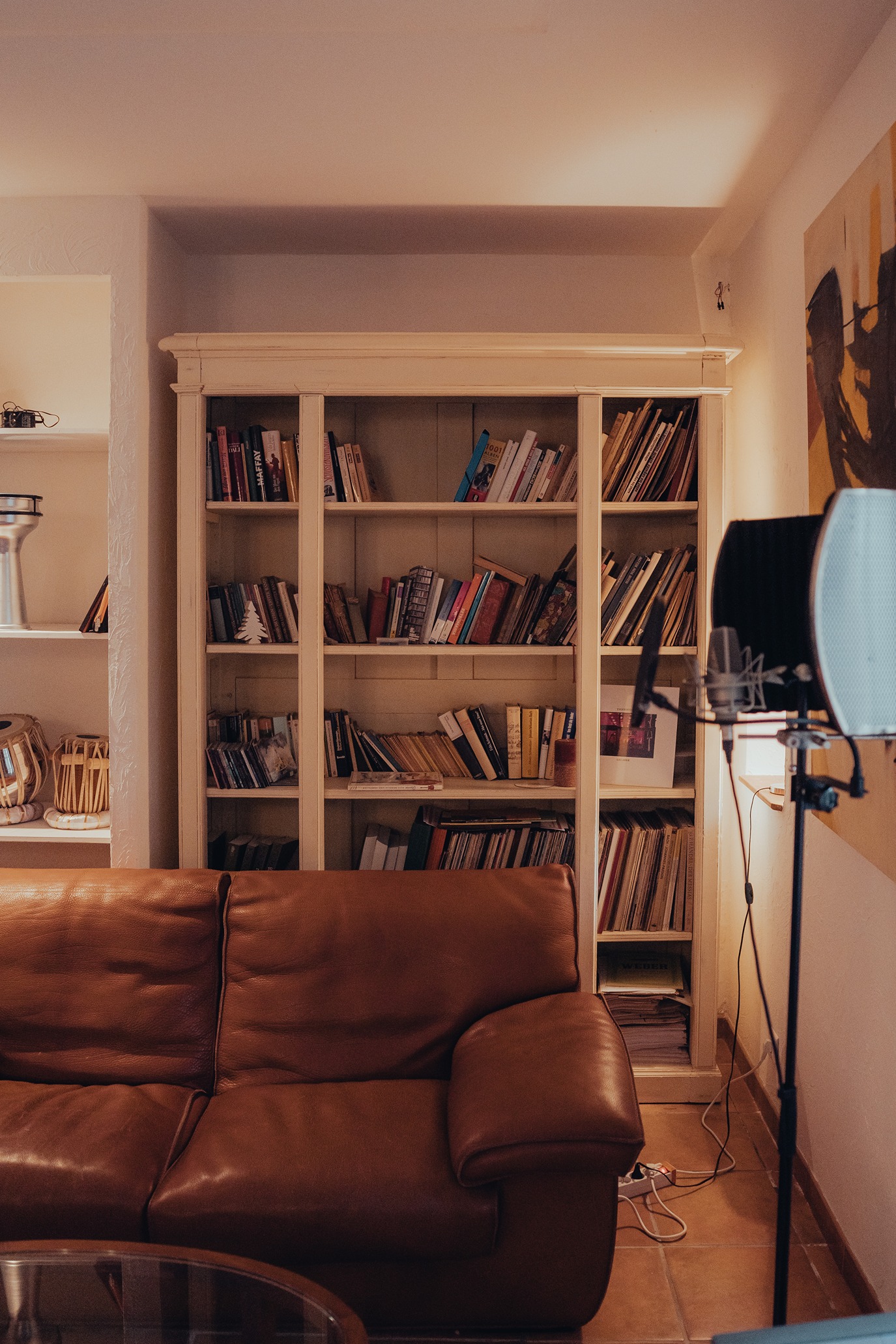
Then consider the room itself. Size, shape, and ceiling height all affect how sound behaves. Small rooms with hard, parallel walls are the hardest to work in, because sound bounces between surfaces and builds up unevenly, which colors both recordings and what you hear when you mix on speakers. Soft furnishings help: a rug, curtains, a sofa, or a full bookshelf all absorb some reflections at no cost. Then plan the layout: position your desk and monitors so you work into the room rather than into a bare wall, and keep cables away from power sources to avoid hum.
If you have a choice of rooms, avoid a perfectly square or cube-shaped one. When the dimensions are equal, the room's resonances stack at the same frequencies and the uneven bass gets worse, so a rectangular room is easier to work in.
None of this is only about sound. If you spend long sessions in the room, comfortable seating, a sensible desk layout, decent lighting, and tidy cabling are what let you keep working for hours without fighting the space, and that steadiness shows up in how much you actually finish.
Acoustic Treatment and Soundproofing
Acoustic treatment and soundproofing are two different jobs. Treatment controls how sound behaves inside a room; soundproofing stops sound getting in or out. The two are easily confused, usually when foam panels are bought in the hope they will keep noise in or out.
Acoustic treatment improves what you record and what you hear back. The main tools are absorption panels, fabric-wrapped mineral wool or fiberglass that soak up mid and high frequency reflections, and bass traps, thicker absorbers placed in corners where low frequency energy piles up. Every room has resonances tied to its dimensions, called room modes, and small rooms suffer worst, making some bass notes boom and others disappear. Corner bass trapping is the standard fix, and thicker, denser material absorbs more low end (GIK Acoustics, 2010). Rugs and curtains help with reflections, though they do little for bass.
Soundproofing is a different problem with a different solution. Stopping sound from passing through a wall relies on mass, decoupling, and sealing air gaps, which means heavy, expensive construction, not foam tiles (GIK Acoustics, 2010). Because that means building work, genuine soundproofing is out of reach for most home studios, and few attempt it. That is exactly where the confusion bites: foam squares stuck to a wall tame a little high frequency ring, but they do almost nothing for bass buildup and nothing at all to keep noise in or out, so the neighbors still hear you. For most home studios, treatment is the sensible priority, and full isolation only becomes worth the cost if you record loud sources regularly. A practical middle ground for vocals is a small treated corner or a reflection filter behind the microphone, which controls the sound around a single voice without rebuilding the room.
For most rooms, do-it-yourself panels built from mineral wool are cheaper and more effective than thin foam tiles, and they are the sensible first buy. A professionally designed treatment plan is worth it mainly for a dedicated room built for serious mixing.
How Much Does a Home Studio Cost?
Cost tracks the work. A production or mixing setup can start with a computer you already own, free software, an interface, and a pair of monitors; a recording setup adds microphones; and any room climbs in price as you add treatment and better gear. The software is often the cheapest part; the room is usually the most overlooked.
If you are producing or mixing in the box, a starter setup can be as simple as a computer you already have, a free DAW, an audio interface, and a pair of studio monitors (headphones can stand in at the very start). If you are recording acoustic sound, you add a microphone, a stand, a pop filter, and a cable. From there, a more developed room adds acoustic treatment, better monitors, more microphones, and paid software or plugins, which is where costs really climb.
To put rough numbers on it, here is how the four core pieces tend to break down at three levels. Prices are approximate and shift with region, retailer, and time, so treat them as a guide to the gaps between tiers rather than a quote.
Read across a row and the pattern is the same each time: the basic tier is genuinely capable, the medium tier buys refinement, and the advanced tier buys accuracy and reliability that matter most once you are working to a professional standard.
Two things are worth flagging on budget. First, the biggest hidden cost is not gear but getting the room to sound good, since treatment adds up and real isolation is a serious build. Do-it-yourself absorption panels and bass traps built from mineral wool cut the cost of the part that matters most. Second, it is worth weighing the setup against renting time: our guide to recording studio rates puts most professional rooms between $30 and $300 an hour, so for occasional needs, booking a room can cost less than buying and maintaining gear you would rarely use.
Home Studio vs. Professional Studio
A home studio wins on control and convenience; a professional studio wins on acoustics, isolation, equipment depth, and an engineer who knows the room. The difference is the room and everything built around it.
A home studio is always available, comfortable, and free to use once it exists, which is why so much writing, production, and mixing now happens in them. A professional studio is a commercial facility built for one purpose: capturing sound accurately. It has treated and isolated rooms, a separate live room and control room, a deep collection of microphones and preamps, tuned monitoring, and staff who run sessions all day. Those advantages matter most when you are capturing loud or live sound, and least when you are working entirely in software.
The honest version of this comparison is that it depends on what has gone into each setup, and a well-resourced home room can rival a professional writing or mix room. We cover the full breakdown in our home studio vs. professional studio guide. The short version: for recording and for mixing on speakers, the room usually sets the ceiling on quality, and it is the hardest thing to fix after the fact.
When to Use a Home Studio or Professional Studio
Match the setup to the job. Home studios suit work where you control the source and the room's influence is manageable; professional studios suit loud, live, or release-critical work that needs a proper space.
A home studio is the right tool for:
- Songwriting, demos, and pre-production
- Beat-making, programming, and electronic production
- Editing, overdubs, and mixing, and increasingly mastering too
- Podcasts and spoken-word recording, where a single treated corner handles one clean voice well
A professional studio earns its keep for:
- Live band recording and full arrangements played together
- Drums and multiple musicians tracking at once, which need space and isolation
- Acoustic ensembles such as strings, horns, or a choir, which are very hard to capture well at home
- Release-critical vocals, or a final mix or master where a tuned room and an experienced engineer change the outcome
Common Home Studio Mistakes
Most quality problems in beginner home studios come from a handful of avoidable mistakes, and many of them trace back to underrating the room.
- Buying expensive gear for an untreated room. A great microphone in a boxy, reflective room still sounds like the room. Treatment usually does more for the sound than the next equipment upgrade.
- Treating foam as soundproofing. Foam panels absorb some high frequencies but do not stop sound entering or leaving, and do little for bass (GIK Acoustics, 2010).
- Poor monitor placement. Speakers shoved against a wall or set at uneven heights give a misleading picture; monitors work best positioned symmetrically, at ear height, forming a triangle with your listening position.
- Overspending on plugins. A large plugin collection rarely fixes a recording or mix problem that started in the room or the performance.
- A setup that does not match the work. A rig built for producing in software is not a rig built for recording a live drum kit; match the gear and the space to what you actually do.
Conclusion
A home studio is a flexible, practical place to make music, and for a lot of work it is all you need. Knowing its strengths and its limits is what lets you use it well.
There is no single setup that makes a home studio; it is whatever a private space and the right tools let you do, from producing and mixing on a laptop to recording vocals in a treated room. Used within its strengths, writing, production, editing, and mixing, a home studio can carry a project a long way, and a well-built one can produce releasable results. Its limits are mostly physical: small untreated rooms, no real isolation, and no space for a band or a live drum kit. That is where a professional room, with its acoustics, equipment, and engineering, still does work a home setup cannot.
If part of your project needs a professional space, tell us what you need and we will help you find a studio that fits your location, budget, and session type. It is also worth reading our how to book a recording studio session guide before the day, so you make the most of the time.
FAQs
What is a home studio?
A home studio is a space in a private home set up to create, record, produce, mix, or master audio, without booking commercial studio time. Most are built on a computer, a DAW, an audio interface, and a pair of studio monitors, then shaped to the work. It can be a laptop and monitors used to produce and mix, or a treated room with microphones for recording, or anything in between.
What equipment do I need for a home studio?
It depends on what you do. Almost every home studio is built on a computer, a DAW (recording and production software), an audio interface, and a pair of studio monitors. If you record acoustic sound like vocals or guitar, you add a microphone. A MIDI keyboard or controller is common for producing. You can monitor on headphones instead of monitors, though most setups end up with both.
How much does a home studio cost?
It varies with the work. A production or mixing setup can start with a computer you already own, a free DAW, an audio interface, and a pair of studio monitors. A recording setup adds a microphone. Costs rise with acoustic treatment, better monitors and microphones, and paid software. The most overlooked cost is treating the room.
Can a home studio sound professional?
Yes, within limits. A well-set-up home studio can produce releasable work, especially for songwriting, production, electronic music, and mixing. The main constraint is the room: an untreated space colors recordings and makes accurate monitoring on speakers harder, which is why treatment matters more than most gear upgrades.
When should I use a professional recording studio instead?
Book a professional studio when the work needs a proper space: live bands, drums, or several musicians playing together, acoustic ensembles, or a release-critical vocal, mix, or master. These depend on controlled acoustics, isolation, equipment depth, and an experienced engineer, which a home setup cannot fully replicate.
